Tracking Time
Tags
Colour-coded labels that cut across projects, for filtering reports and grouping invoice lines.
Applies to:
Everyone
Tags are labels you attach to time entries: "Meetings", "Rush", "Client Review". A project groups time by what it is for; tags group it by what kind of work it was, across every project.
Adding tags to an entry
- In the entry bar or an entry's description, type
#followed by the name. Matching tags are suggested; Enter or Tab picks the first. Typing a name that does not exist offers create new tag if you are allowed to create tags; otherwise it says to ask an admin to add it. - Or click Tags in the entry bar, or + tag on a row, and tick the ones you want.
A project has to allow tags (Allow Tags on the project's Details tab) for its entries to carry them. If the Tags control is missing, that is why.
Managing tags
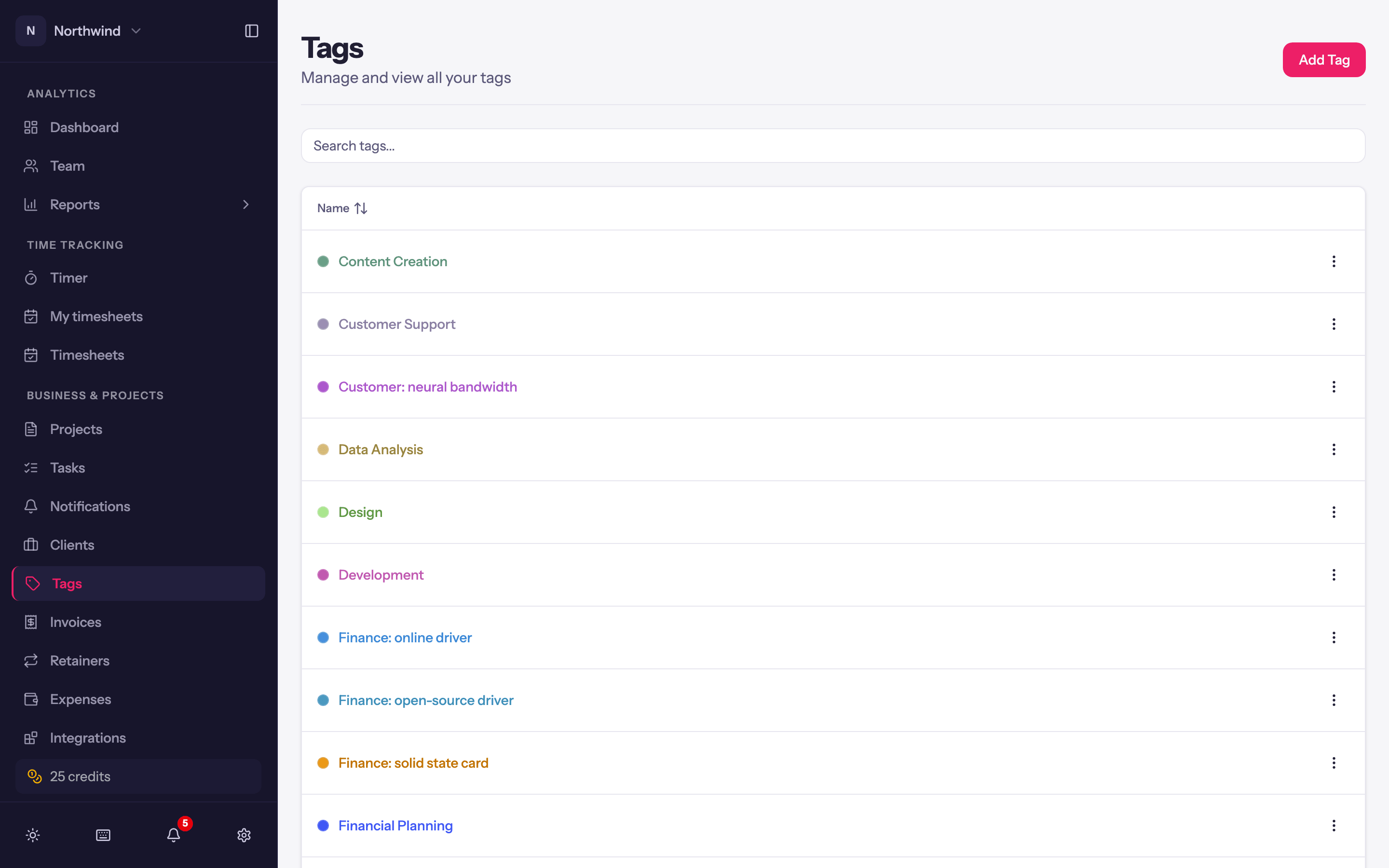
Business & Projects → Tags lists every tag in the workspace. Add Tag takes a Tag Name and a Tag Color; the row menu offers Edit and Delete. Deleting a tag takes it off the entries it was on; the entries themselves are untouched. The Tags page needs the Tags permission, which Admins have.
Where tags show up
- Filters. The Detailed and Summary reports filter by tag.
- Invoices. Not directly; group invoice lines by project, person or task instead. Use tags for internal analysis.
- Exports. The Detailed report's export has an optional Tags column (off by default; tick it in Choose export columns).