My Workspace
Pin the clients, projects and tasks you are working on right now so they come first everywhere.
A busy workspace can have dozens of projects, most of which are not yours this week. My Workspace is a personal shortlist: the clients, projects and tasks you pin come first in the project picker.
Pinning
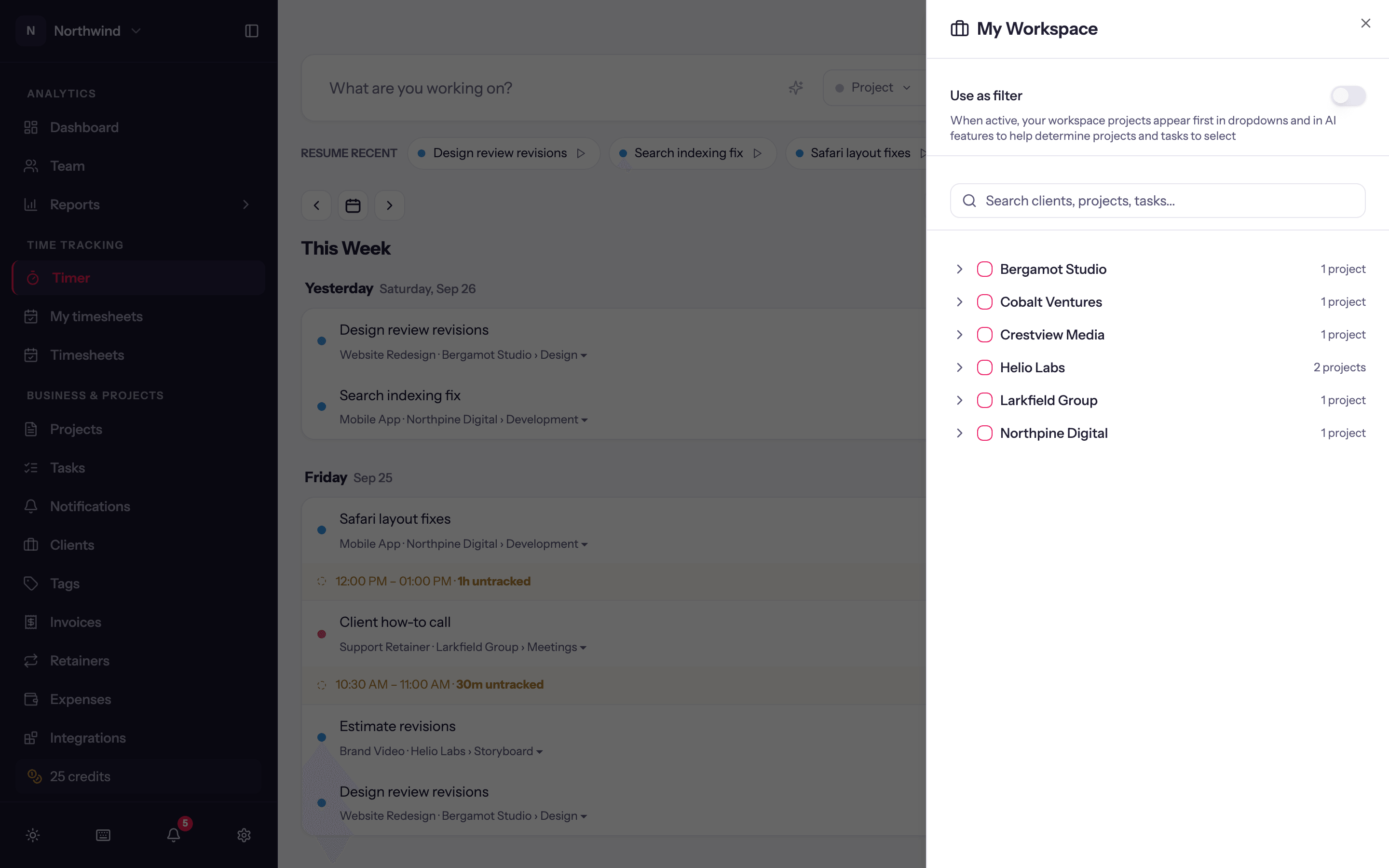
Click Workspace in the timer toolbar. A panel opens with a search box, Search clients, projects, tasks....
Tick a client to pin all its projects, a project to pin it (expand it to pin individual tasks), or a single task.
Make sure Use as filter at the top of the panel is on, then close it. The project picker now opens with a My Workspace section of your pinned items, and pinned projects sort first inside their client groups. Nothing is hidden; everything else is still there below.
Pins are personal and live with your account, so they follow you between browsers and into the desktop app.
Use as filter
The switch is what makes the pins count. With it off, your pins are kept but the picker goes back to its normal order (recently used projects first). Flip it on again when you are back on that work. The switch never affects reports or what other people see.
Tips
- Pin at the level you think in. If you switch between three tasks on one project, pin the tasks; if you work across a client's projects, pin the client.
- Unpin things as engagements end. A short list is the point.