Low-hours reminders
Automatically nudge people who have logged fewer hours than expected for the day or the week.
Administration → Reminders sends an email to people whose logged hours fall short of a minimum. It is separate from timesheet submission reminders (those live on the timesheet group) and from invoice payment reminders.
Add a reminder
Click Add Reminder.
Choose the Accumulation Period: Daily or Weekly.
Set the Minimum Hours the period should contain. Anyone below it when the reminder runs gets the email.
Pick the Send Time and, for daily reminders, the Days of the week it runs.
Choose the Users it applies to and add a Description so the list stays readable.
Managing reminders
The list shows each reminder's period, send time, minimum hours, users and description. Filter with All periods, Daily only or Weekly only; search by description or user email. Per row: Edit, Trigger (send it now, regardless of the schedule) and Delete. Trigger All Daily and Trigger All Weekly fire every reminder of that kind at once, which is handy for testing.
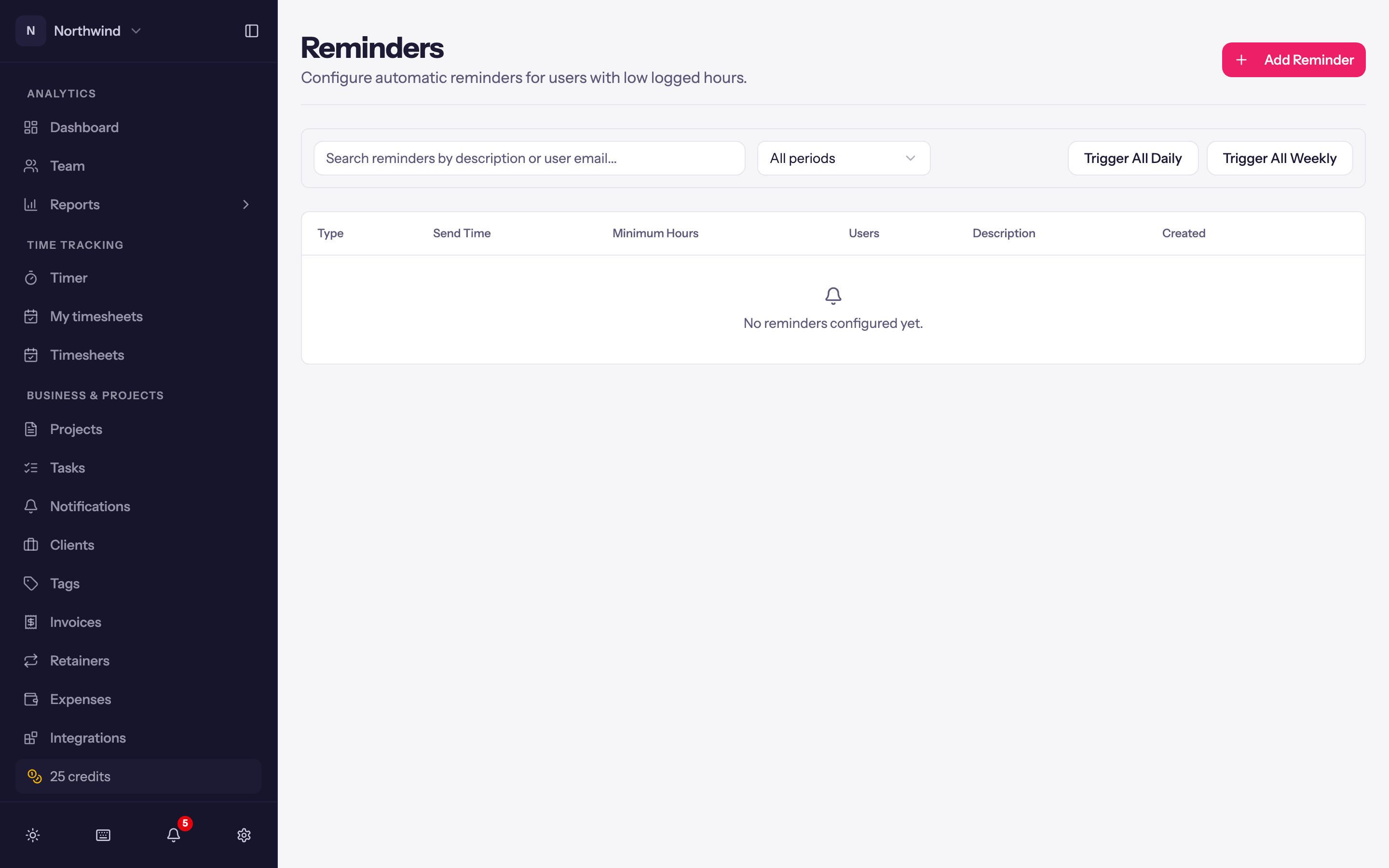
Times use the workspace timezone (Workspace Settings → General).
Subscription and billing
The free trial, the Individual, Team and Business plans, paying, managing the card and invoices, and what happens when a subscription ends.
Importing data
Bring time entries and expenses in from a CSV, map columns and people, review what will be created, undo an import, export everything, or purge the workspace.