Audit logs
Who did what and what changed, for the whole workspace.
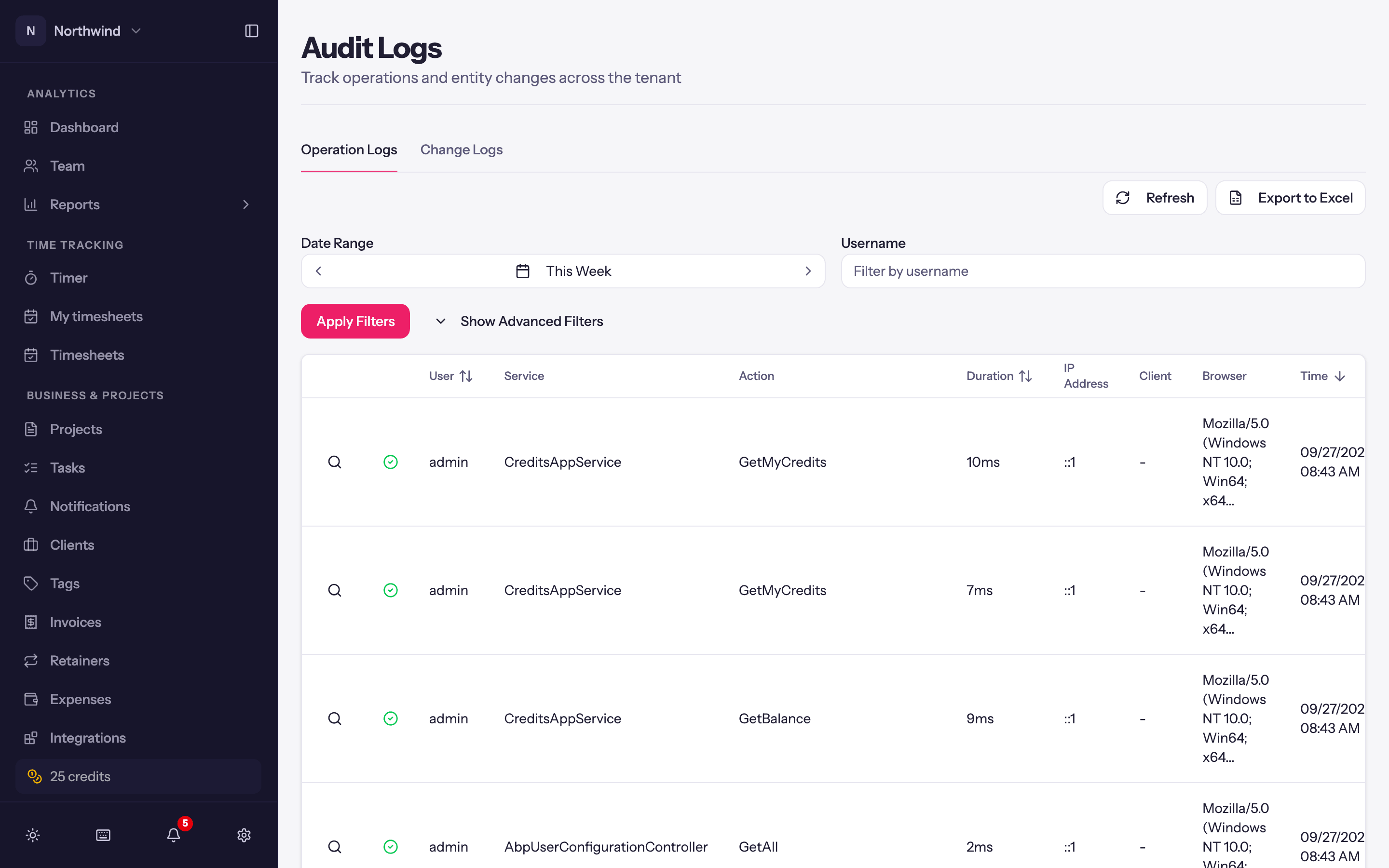
Administration → Audit Logs keeps two records. It needs the audit logs permission.
Operation Logs
Every action taken through the app or the API: Time, Username, Service and Action (which part of the system was called), Duration, Browser, IP Address and whether it succeeded. Filter by Date Range, username, service, method, browser and Error State (Success / Has Error) under Show Advanced Filters. Click a row for the full detail, including the parameters that were sent and, for impersonated operations, who was acting.
Change Logs
Property-level changes to records: which Object (a project, a client, a user…), the Action (created, updated, deleted), and for each property its Original Value and New Value. Filter by object type and date range.
Both tabs have Export to Excel.
What it is good for
- Working out who changed a rate, deactivated a project or edited an invoice.
- Confirming an API key did what its owner says it did (API calls are logged under the key's user).
- Spotting repeated errors from one browser or integration.
Audit logs are retained with the workspace and cannot be edited.
Importing data
Bring time entries and expenses in from a CSV, map columns and people, review what will be created, undo an import, export everything, or purge the workspace.
Integrations
Push invoices to QuickBooks Online or Xero, log time from Jira issues, build on the public API, and let Claude or another AI assistant track time for you.