Project team
Who is on a project, what Member, Lead and Manager mean, and per-person rates.
A project's team decides who can log time to a private project and what each of them can see about it. (Anyone can log to a public project; the team still matters for roles and rates.)
Adding people
On the Team tab of the project sheet, Add people… searches active, invited and deactivated users. Pick a Role for each:
| Role | Can |
|---|---|
| Member | Log time and see their own work on the project. Cannot open the Team Members tab. |
| Lead | Everything a Member can, plus task rates, and budget alerts by default. |
| Manager | Everything a Lead can, plus adding and removing team members and editing their roles and rates. A project keeps at least one Manager. |
What each role sees beyond that is set per project, also on the Team tab, with four settings that each go to Managers, Leads, Members or Everyone:
- Who sees all the time on this project. Everyone else sees only the hours they logged themselves.
- Who sees the budget on this project. Progress against the project's budgets.
- Who sees revenue on this project. Billable rates and amounts, the fixed fee and the amounts on budgets. Everyone else still sees hours and budget progress.
- Who sees cost on this project. Cost rates and amounts, which is what people are paid, and profit.
Out of the box, Leads and Managers see all the time, and only Managers see revenue and cost. Project defaults sets what new projects start with, and a role can open any of these on every project at once (View all time on a project, View budgets on every project, View revenue, View cost under Administration → Roles). Admins see everything.
Whoever creates a project is a member of it already. Project defaults can add a standing team (with roles and rates) to every new project.
Client-wide roles exist too: a Client manager or Client lead set on the client acts as Manager or Lead on every project of that client. See Managing clients.
Per-person rates on this project
Each row on the Team tab has a Billable and a Cost rate. These are the top of the rate chain for that person on that project; leave them empty to fall through to the project rate and then the person's own rate. See Billing and rates. On an existing project each rate opens the same rate history panel as everywhere else, so a raise can start on a chosen day.
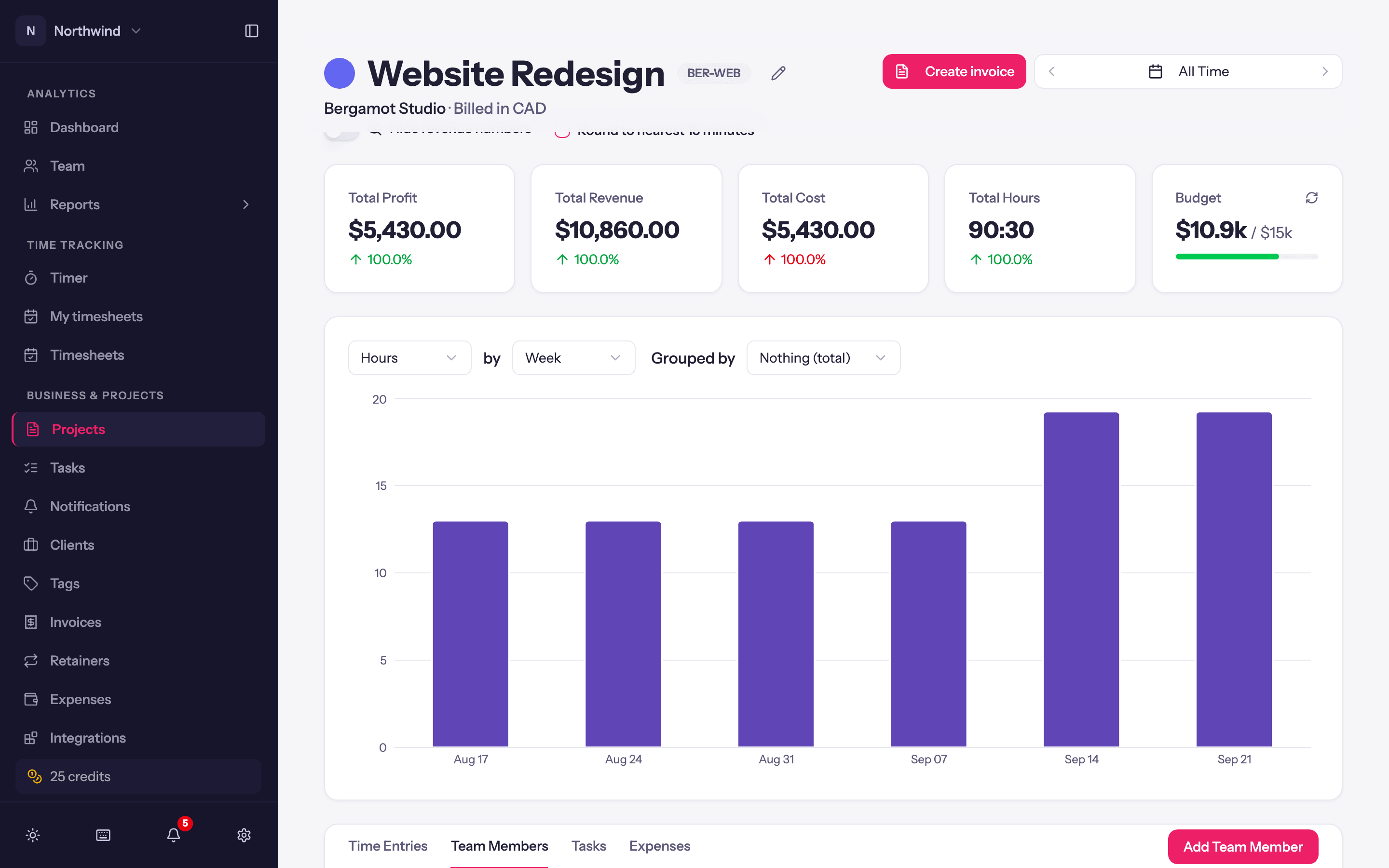
On the project page, the Team Members tab lists the team with hours and, for Managers, the rates; Edit Member changes role, rates and, on a per-person budget, that person's allowance. Remove Team Member takes them off the project; their existing time stays.