Log time from Claude
Add the Quanta MCP server to Claude Desktop, Claude Code, Cursor or any MCP client and track time by talking.
The Quanta MCP server is a small program your AI assistant runs on your own machine. Nothing runs in the cloud. With it, you can say "start a timer on the Acme redesign" or "how many hours did I log last week?" and the assistant does it through your account.
Set up
Three steps, about two minutes. The in-app guide at Integrations → MCP server has copy buttons for every snippet.
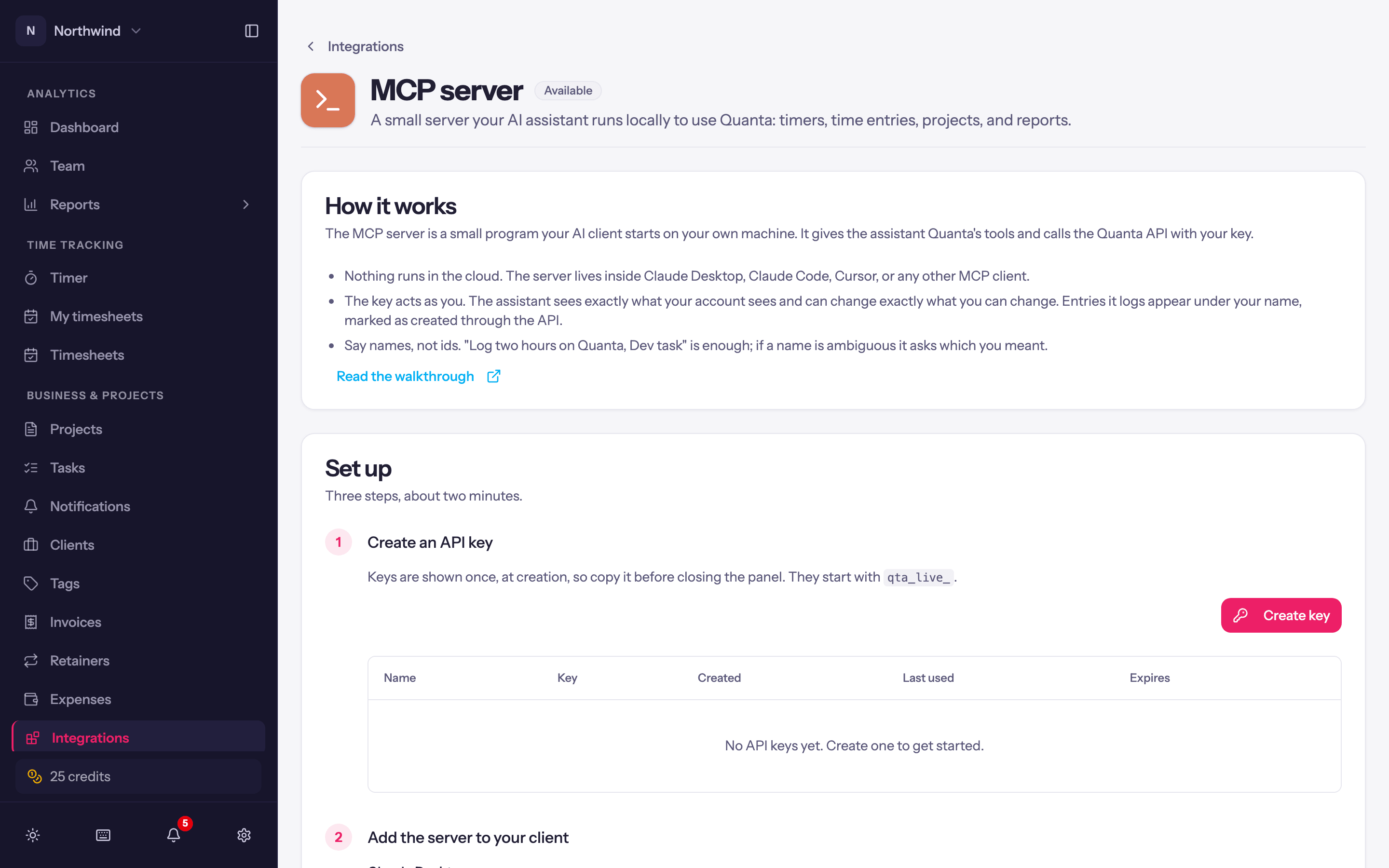
Create an API key (see Public API). It starts with qta_live_.
Add the server to your client.
Claude Desktop: edit claude_desktop_config.json (~/Library/Application Support/Claude/ on macOS, %APPDATA%\Claude\ on Windows) and add:
{
  "mcpServers": {
    "quanta": {
      "command": "npx",
      "args": ["-y", "quanta-mcp"],
      "env": { "QUANTA_API_KEY": "qta_live_..." }
    }
  }
}
If the file already has an mcpServers object, add the quanta entry inside it. Restart Claude Desktop.
Claude Code: one command in a terminal:
claude mcp add quanta --env QUANTA_API_KEY=qta_live_... -- npx -y quanta-mcpCursor and other MCP clients: the same shape as the Claude Desktop config: command npx, args ["-y", "quanta-mcp"], and QUANTA_API_KEY in the environment.
Check it works. Ask the assistant "what am I working on?". It should answer from your Quanta timer rather than guessing.
If Quanta does not appear
It is almost always PATH. Claude Desktop is launched by the operating system, not from your shell, so it does not inherit your PATH. If Node came from nvm, asdf, Homebrew or Volta, the bare npx does not resolve and the server silently fails to start. Run which npx in a terminal and use the full path it prints as the command. Claude Desktop writes logs to ~/Library/Logs/Claude/ on macOS if you need the actual error.
What the assistant can do
Every endpoint of the public API. Reports check the same permissions as in Quanta.
get_current_timer, start_timer, stop_timer, log_time, update_time_entry, delete_time_entry, batch_update_time_entries, list_time_entries, list_projects, list_clients, list_tags, get_time_report, get_detailed_report, get_recent_changes.
The key acts as you: the assistant sees exactly what your account sees and can change exactly what you can change. Entries it logs appear under your name, marked Created through the API.