Client Portal
Give each client one secure place to see the projects, time and invoices you share, and to pay invoices by card.
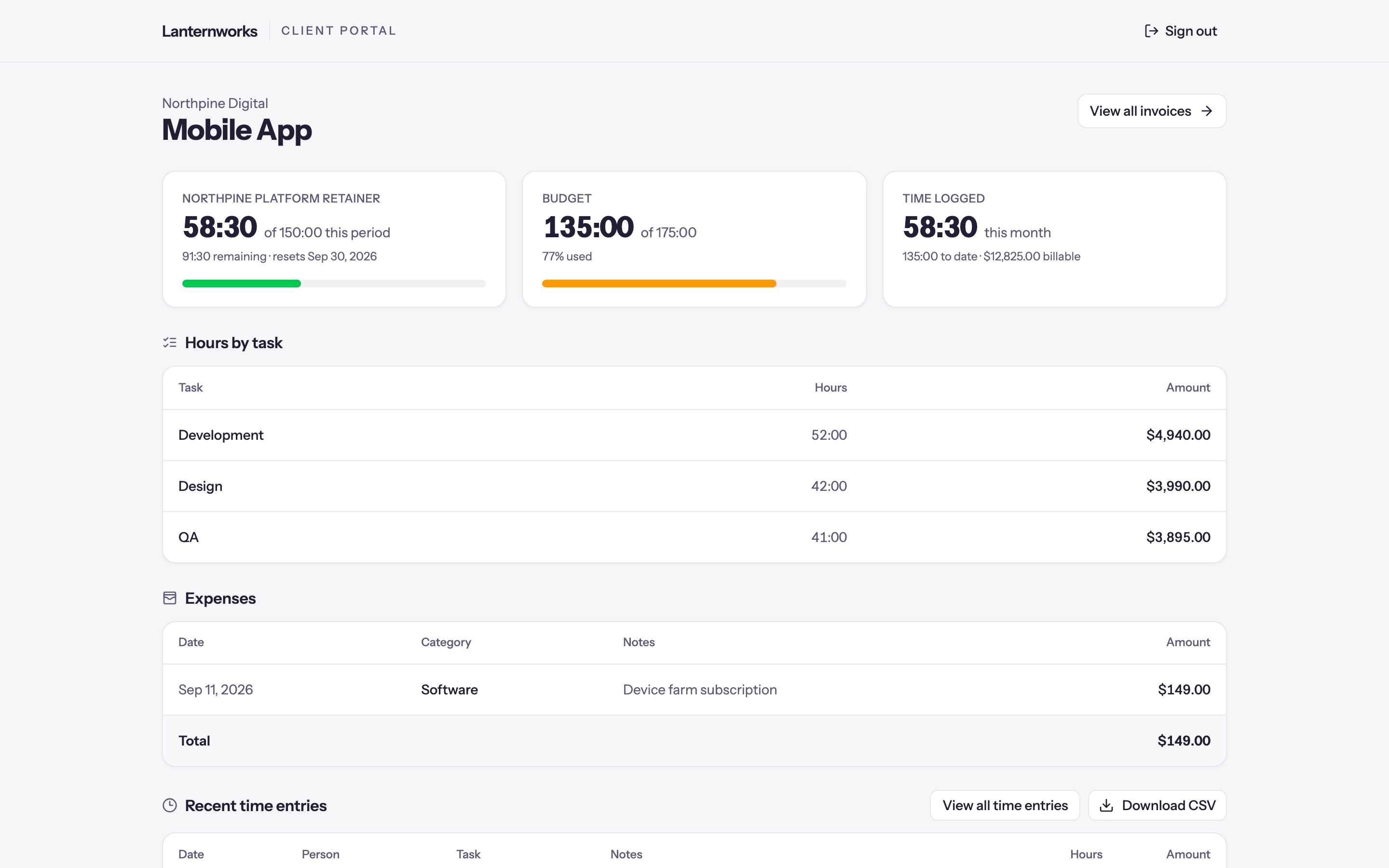
The client portal is a separate, read-only site for your clients. A client signs in with a link sent to their email, with no password, and sees the projects, time, expenses, retainers and invoices you choose to share, under your business name. With Stripe connected they can pay invoices by card, and save a card so retainer invoices pay themselves.
Setting up the portal
Switch it on and choose what every client sees by default.
What clients see
Workspace, client and project settings, and how they combine.
Inviting clients
Invite a contact, resend or revoke their access, and preview the portal as them.
Invoice share links
Send one invoice without a portal login.
Online payments
Connect Stripe so clients pay invoices by card.
Retainer auto-pay
Clients save a card once and retainer invoices are charged when they go out.
Managing the portal needs the Manage client portal permission for inviting clients and previewing, and access to Workspace Settings for the workspace defaults. Admins have both.